Transportation
Web
Desktop
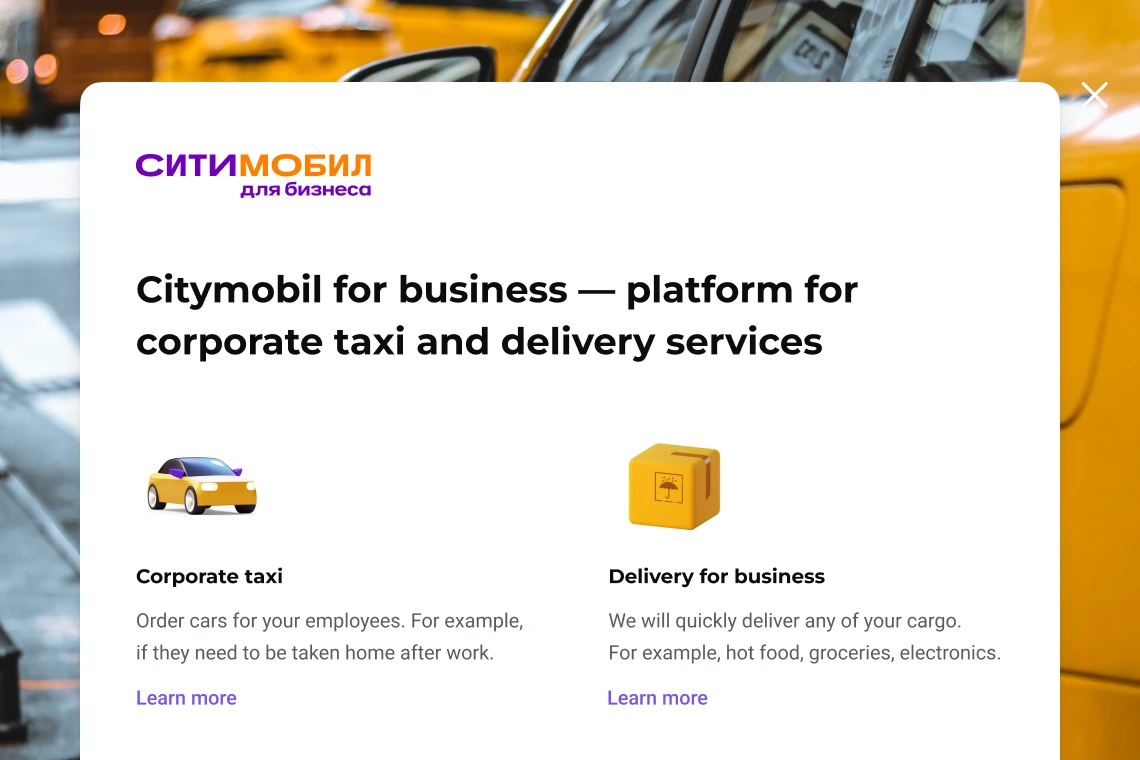

Citymobil is one of Russia’s leading multi-service urban mobility platforms, providing ride-hailing, delivery, and logistics services across major cities.
TAsk Goal
Redesign the B2B registration to stop wrong sign-ups, prevent duplicate accounts, and reduce the number of help requests to the support team.
Result
86%
fewer wrong sign-ups
63%
fewer support tickets
Role & Process
I worked as a solo designer in a cross-functional team. When I was hired for this role, the team warned me that we would move very fast without time for traditional research. My task was to make design decisions based on my professional experience, knowledge, and design intuition.
The Problem
By looking at the statistics, we found three main issues with the old registration process:
Wrong audience: Drivers and couriers often tried to sign up on the business page by mistake.
Log in vs. Sign up: Users couldn't tell the difference between «Log in» and «Sign up», which created many duplicate accounts.
High support load: The design didn't help users sign up on their own, so they often called support for help instead.
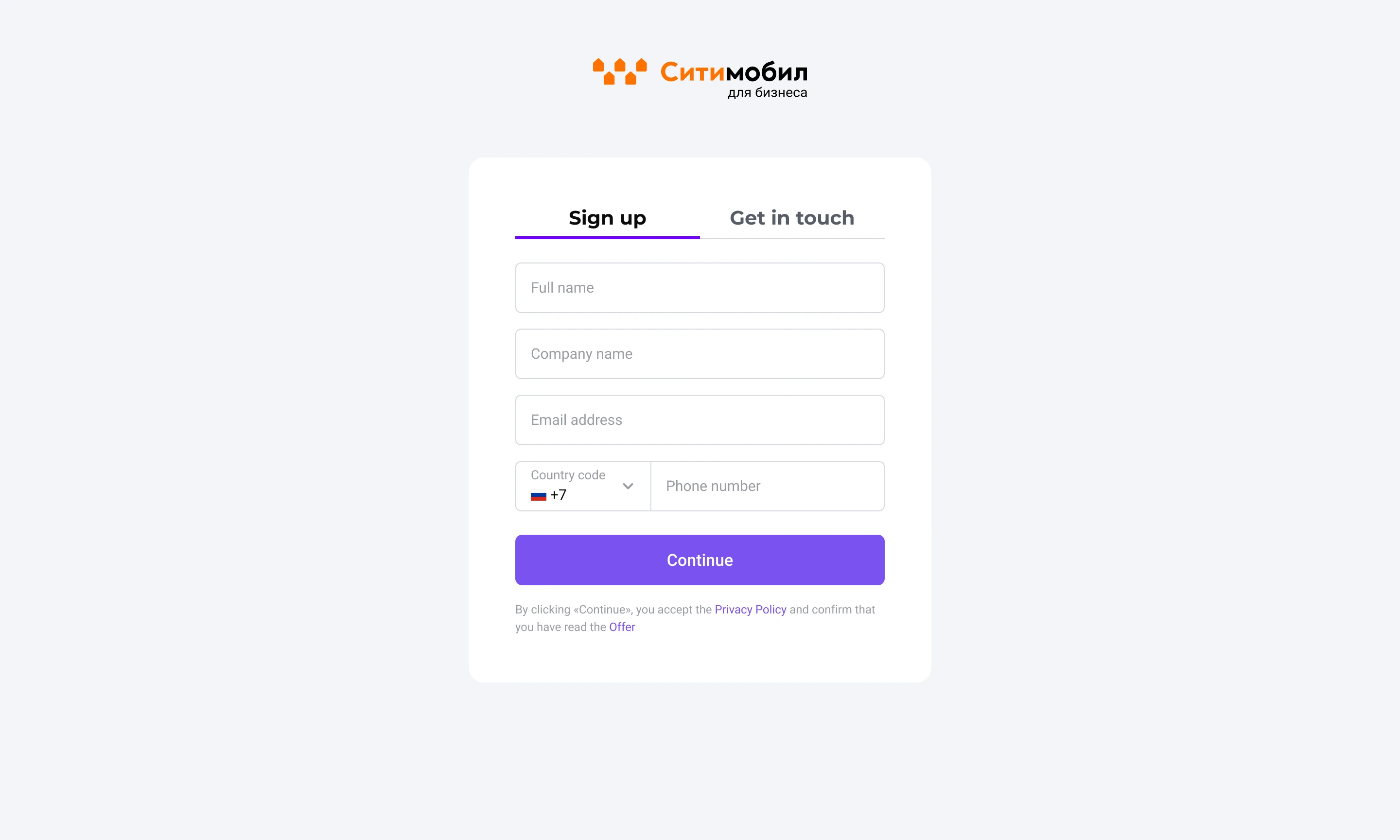
Old Sign up screen
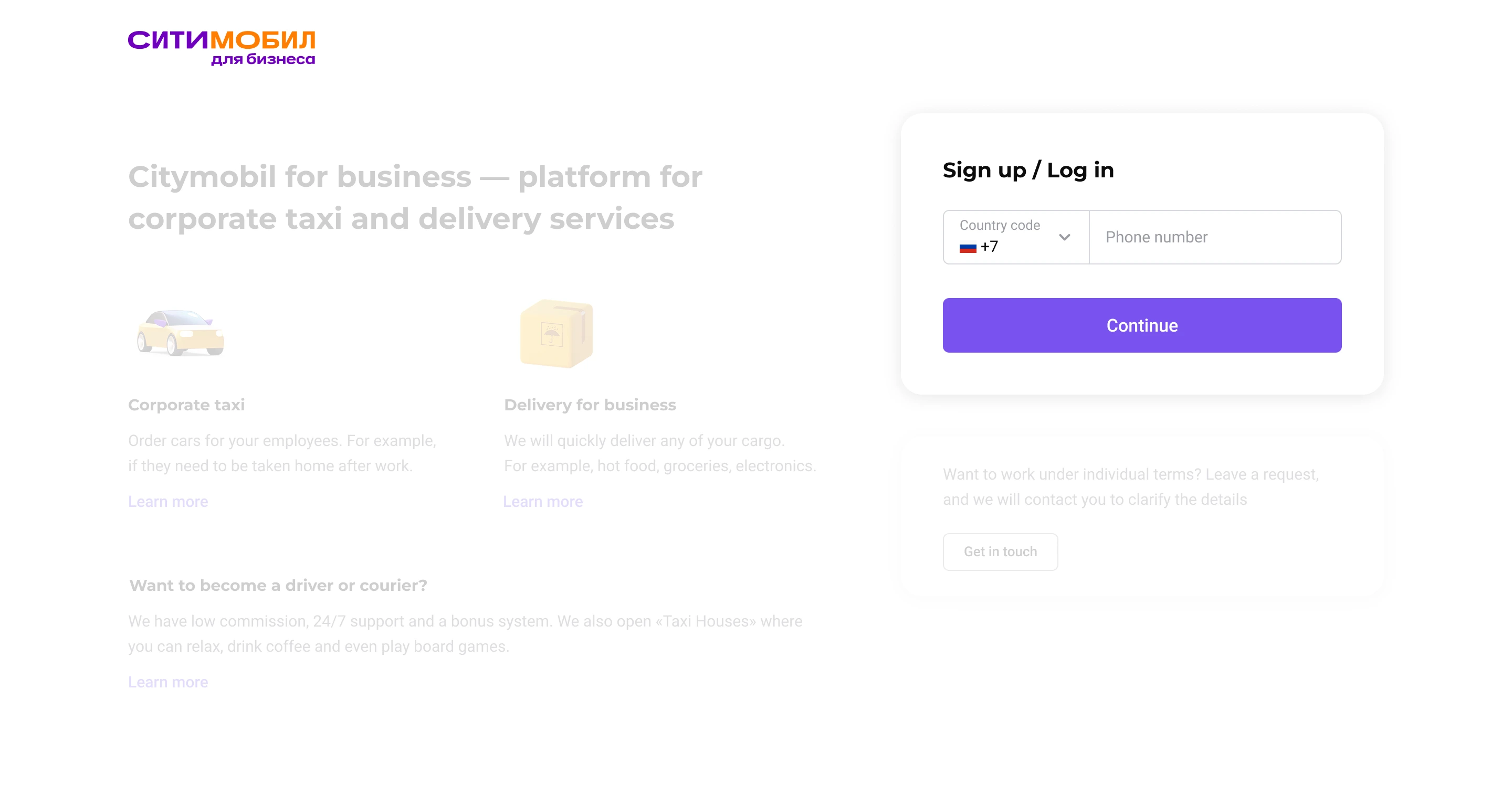
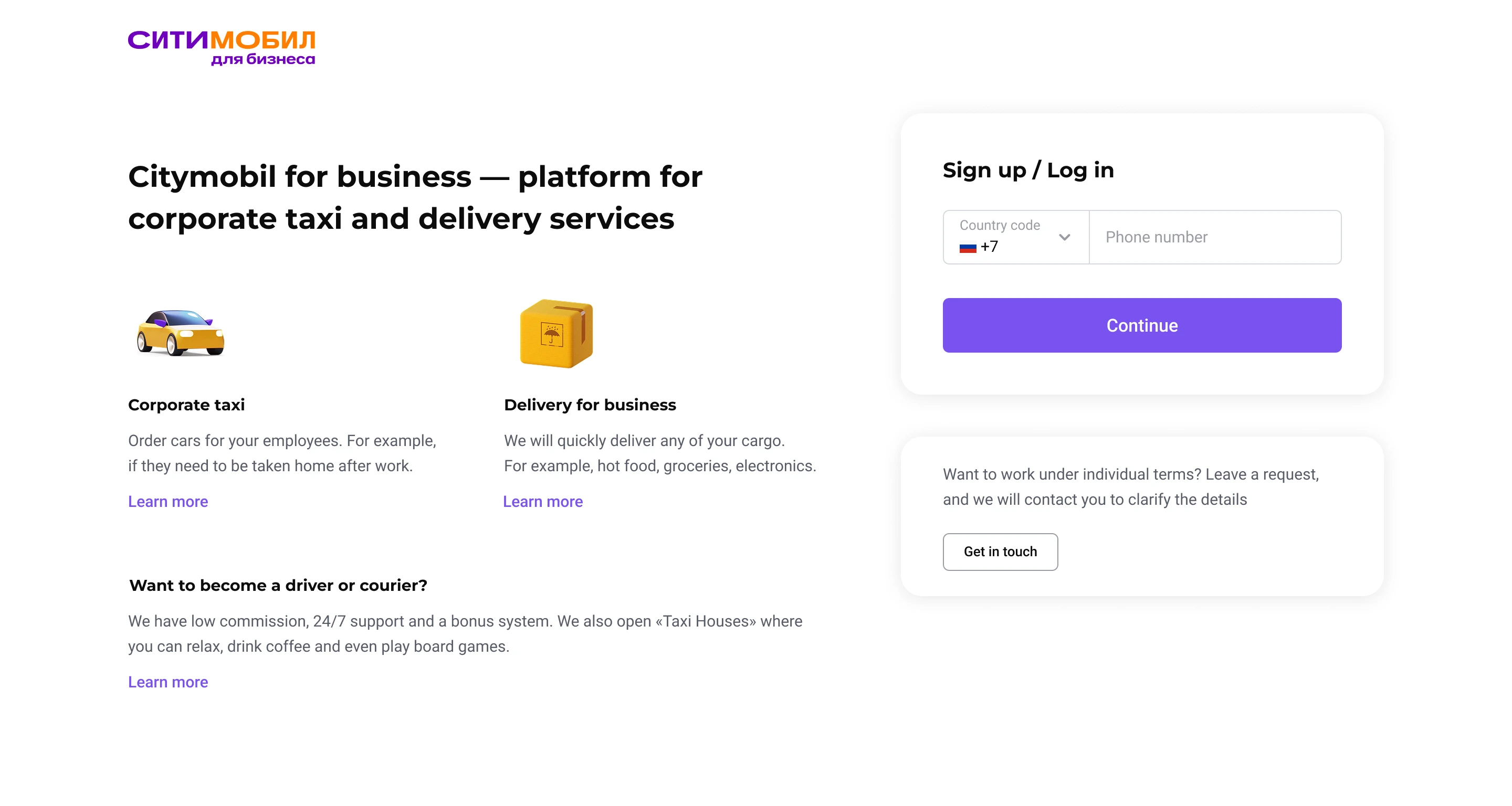
Clear Guidance
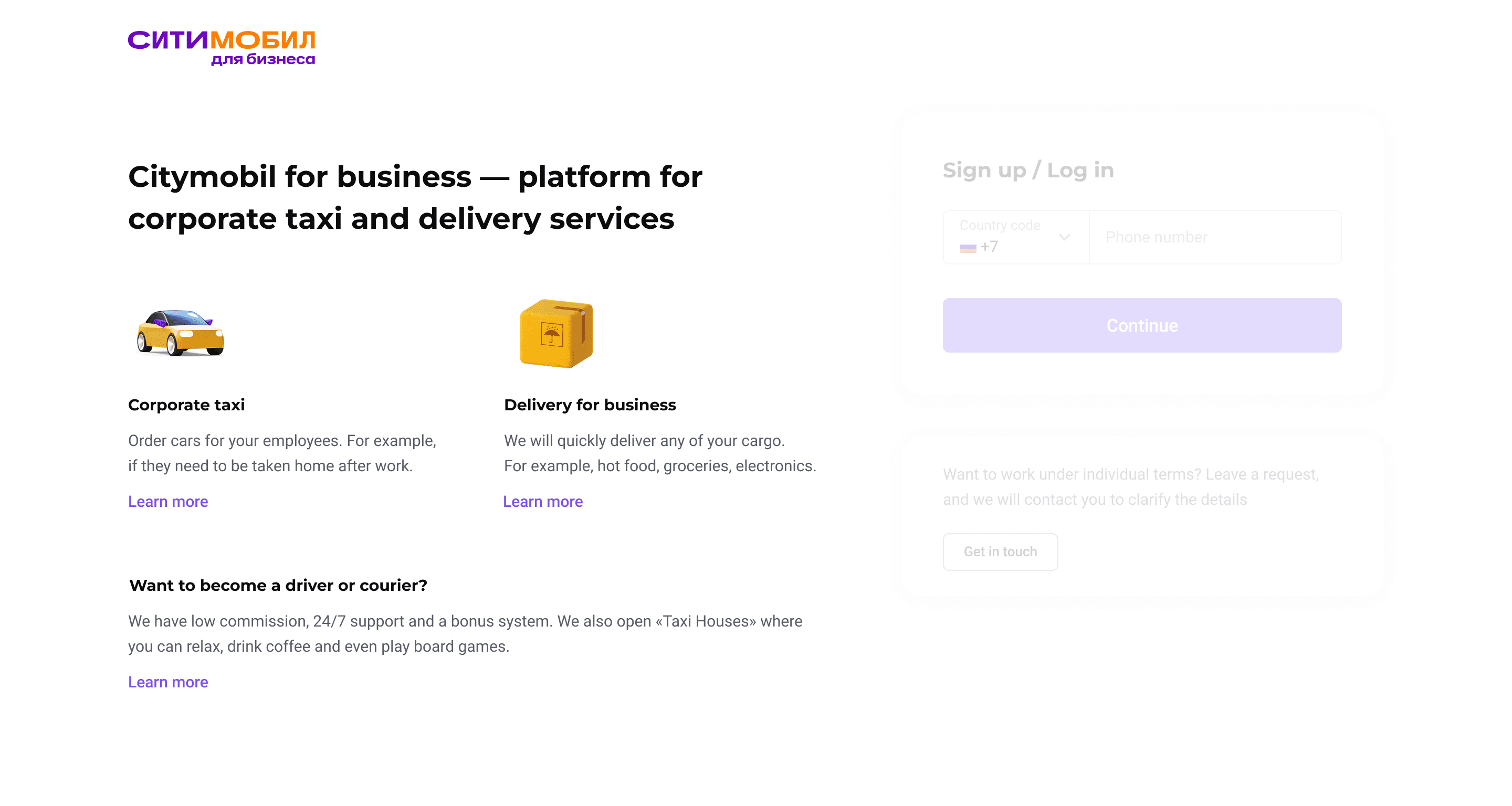
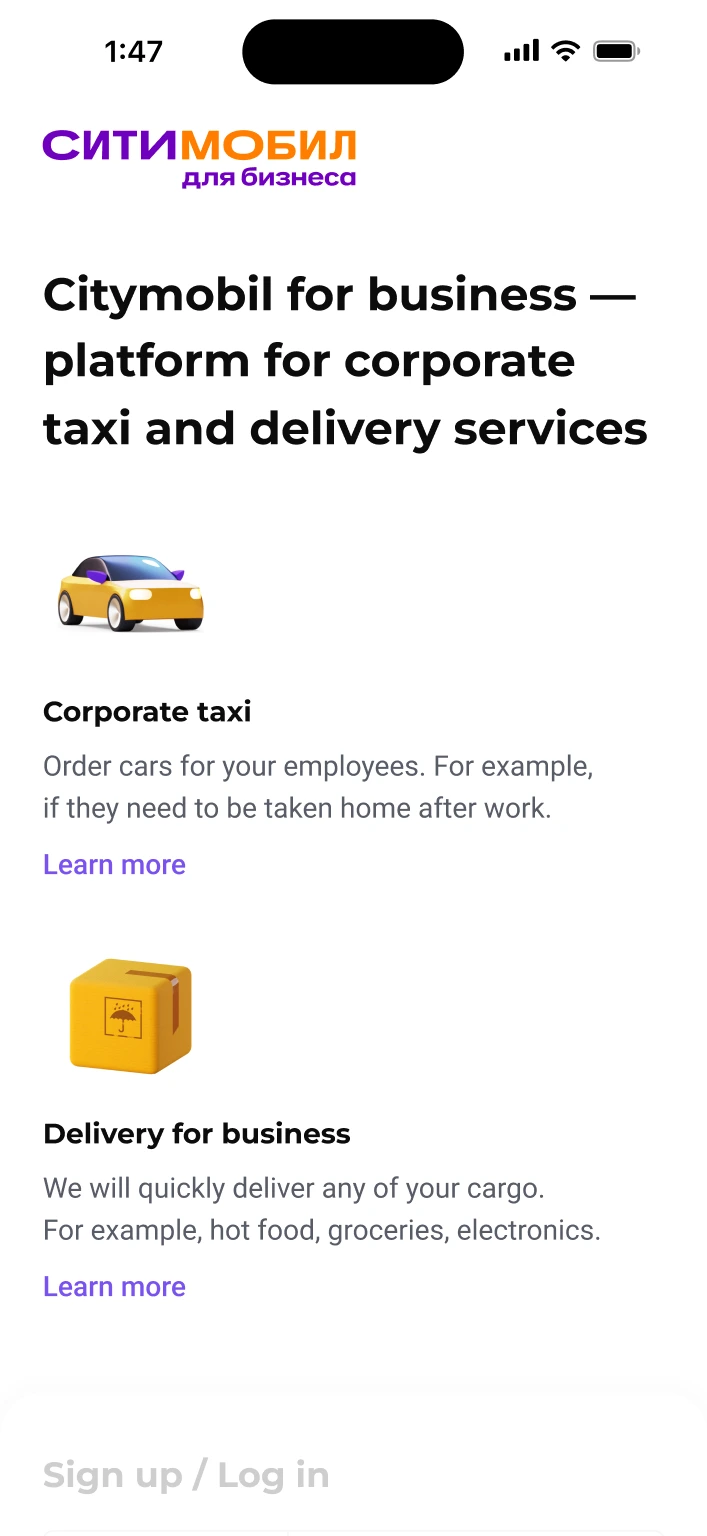
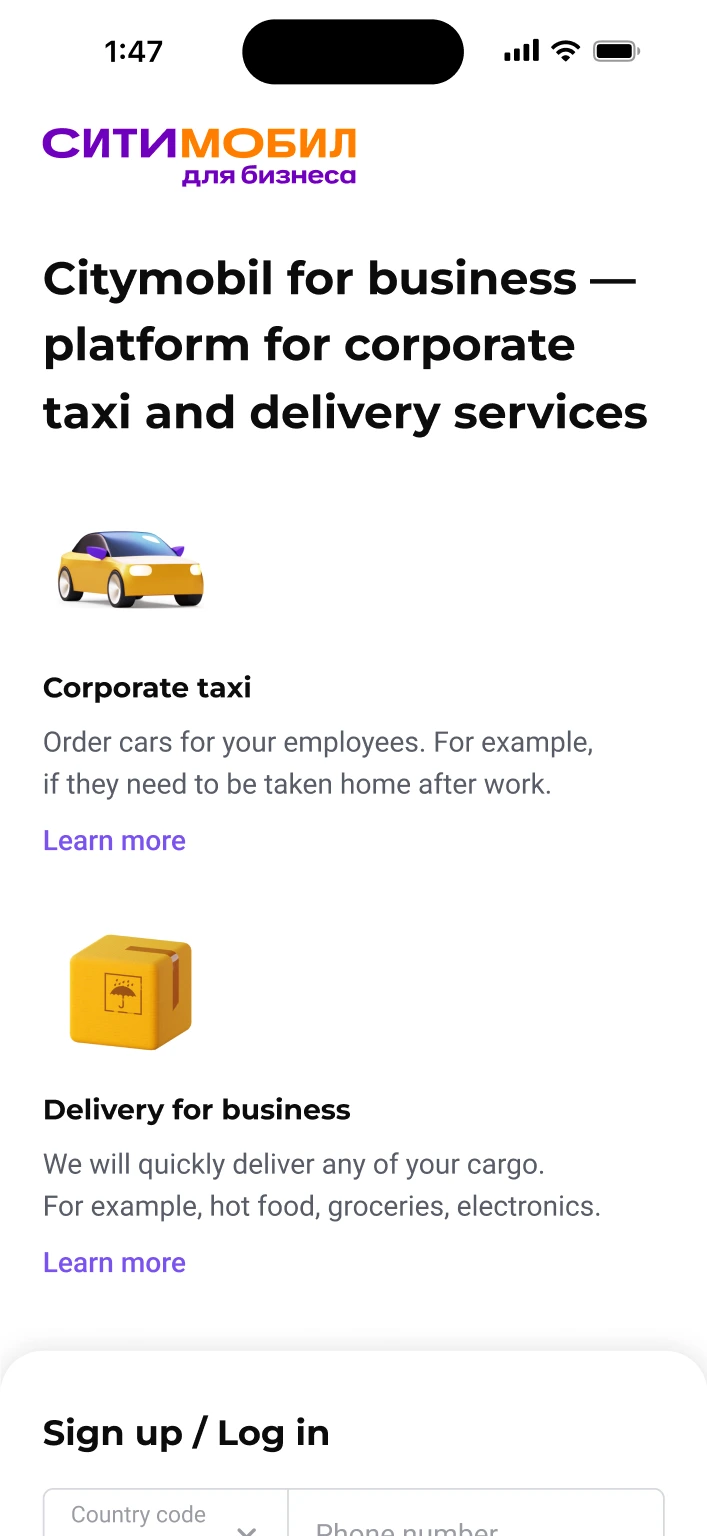
To stop drivers from using the wrong form, I added clear info about what the B2B product is and who it is for. If a driver still ends up on this page, I added a «bridge» — a simple link that directs them to the correct driver registration portal so they don't get stuck.
Unified Entry Point
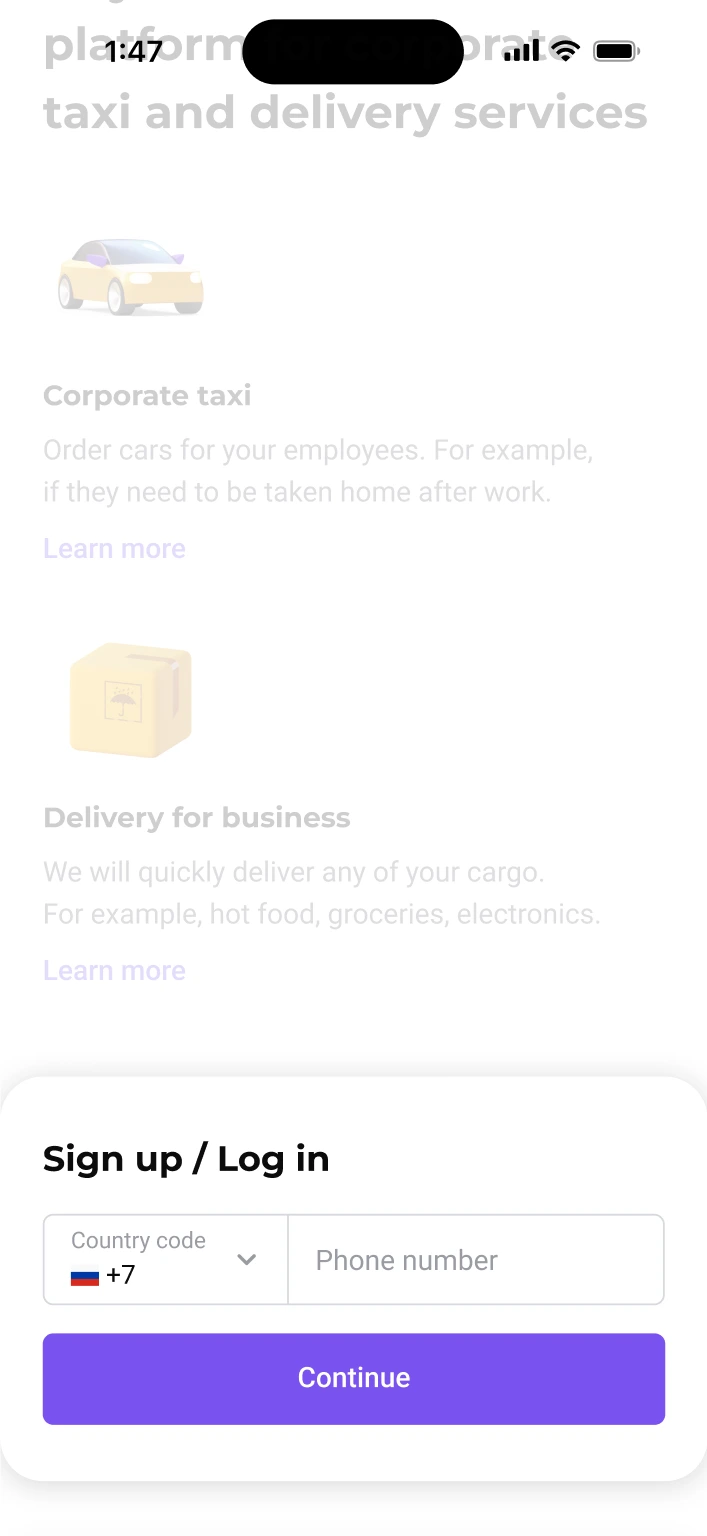
To fix the duplicate account problem, I merged the log in and sign up forms. Now, a user just enters their phone number. If the number is in our system, they log in. If not, they start a new registration. This logic completely stopped duplicate accounts.
Step-by-Step Form
Instead of asking for all the info at once (4 fields), I broke the form into small steps. We ask for the phone number first. This way, if a user gets stuck later, our support team already has their contact number and can reach out to help them finish the registration.
Visual Hierarchy
I used a clear layout and visual hierarchy to push users toward self-registration. I used a large primary button for the main sign-up action and a secondary button for the «Get in touch» option. All other minor actions were styled as simple text links. This hierarchy helped users easily find and choose the faster, automatic path.
Outcome
After the launch, the data showed great results: wrong registrations from drivers dropped by 86%. Duplicate accounts completely disappeared. Support tickets related to sign-ups went down by 63%.
Challenge
The main challenge was the very tight deadline. Because we had no time for user research, I had to move fast and trust my experience to build a solution for a large-scale product.